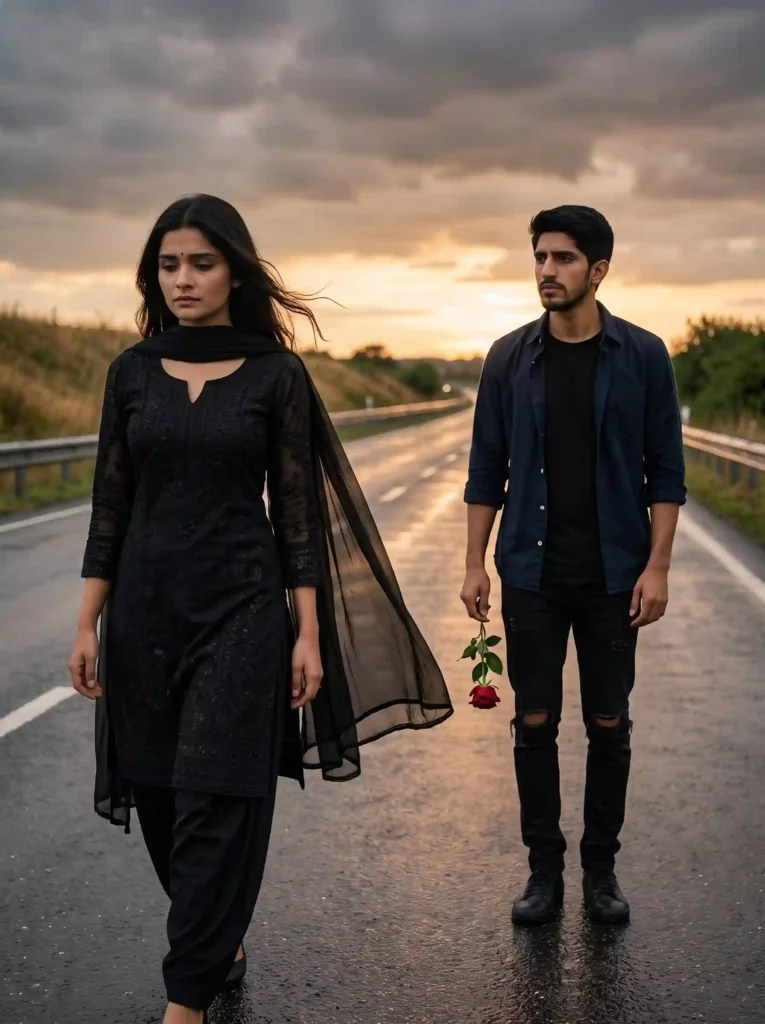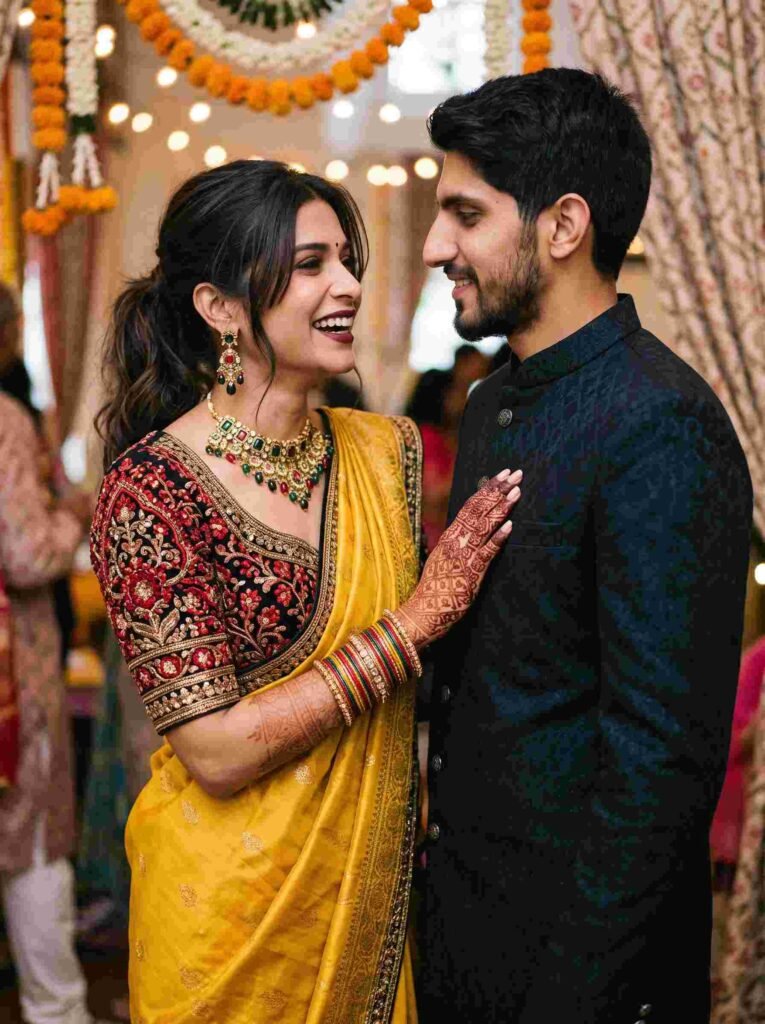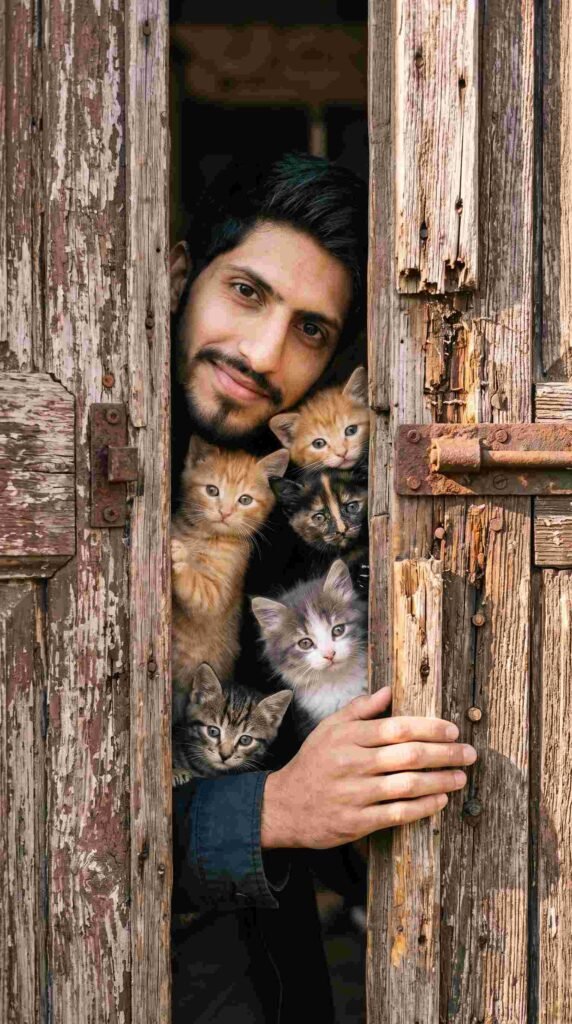
Social media trends move fast, and AI-generated portraits have become one of the most popular ways to upgrade profile pictures, Instagram grids, and display photos without booking studio sessions or buying designer outfits. With Google Gemini AI, you can take a basic selfie and recreate viral aesthetics—from golden-hour rooftop looks to moody cinematic portraits—in seconds.
To help you get the exact aesthetic taking over Instagram and TikTok, here is a collection of tested, viral AI photo prompts for women designed for clean face blending and high photorealism.
1. The Viral Golden-Hour Aesthetic Portrait (Trending)
This aesthetic delivers soft natural sunlight, rich skin texture, and a modern lifestyle look that dominates Instagram Explore pages.
A photorealistic 4K portrait of the young woman from the uploaded image sitting outdoors on an aesthetic minimalist rooftop terrace during golden hour. She has soft natural wavy hair catching the warm sunlight, wearing an oversized beige knit sweater and delicate gold jewelry. She is holding a ceramic coffee cup with a gentle, relaxed smile, looking softly toward the camera. Warm amber sunset glow, creamy shallow depth of field, authentic skin texture with visible pores, captured on an 85mm portrait lens.
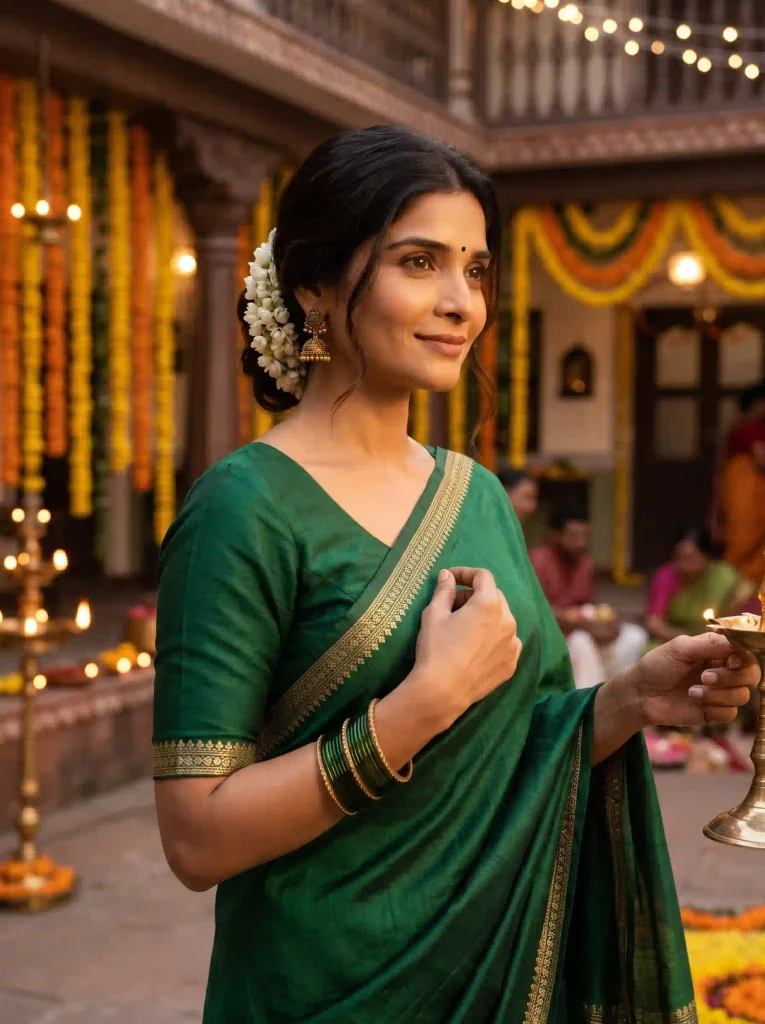
2. The Traditional Royal Silk Saree Look
Perfect for festive occasions, wedding mood boards, and cultural aesthetics.
A high-definition editorial lifestyle photograph of the woman from the uploaded image dressed in an elegant emerald green raw silk saree with a finely embroidered gold zari border. Her hair is styled in a loose low bun with fresh white jasmine flowers tucked in. She wears antique gold jhumkas and thin glass bangles. Warm festive ambient lighting in a traditional heritage courtyard background with subtle marigold garland decor, cinematic lighting, 8K resolution, photorealistic.
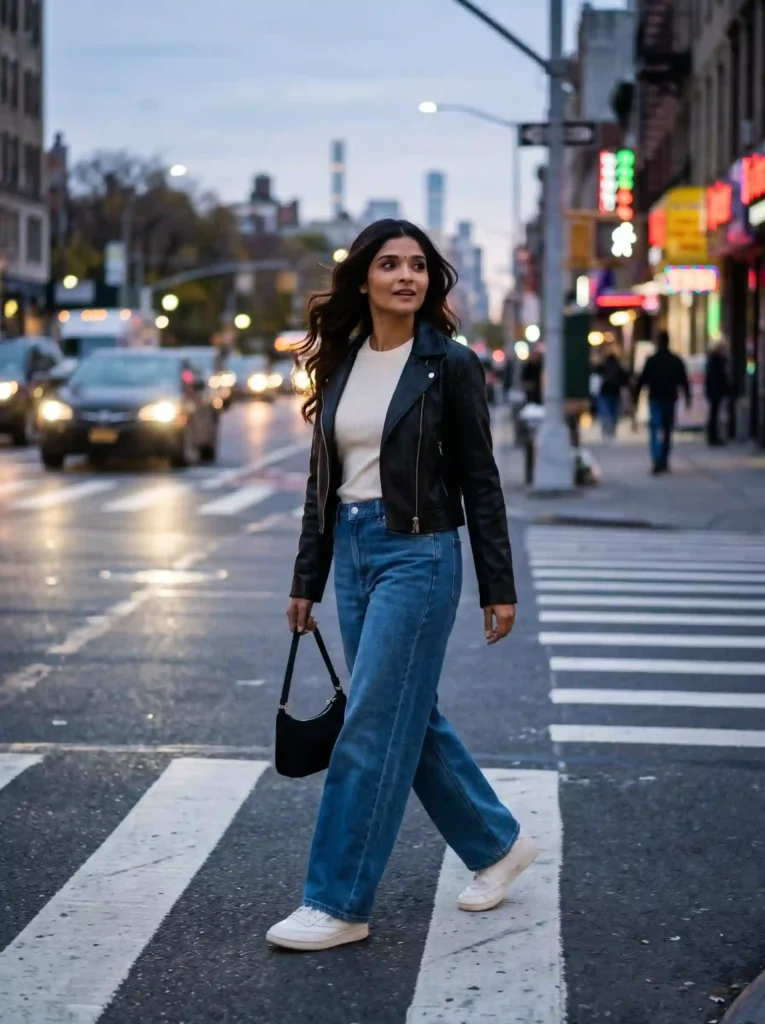
3. The Modern Urban Streetwear Chic
A bold, candid street-style look designed for high engagement on social feeds.
A candid, full-body urban street style photo of the young woman from the reference photo walking across a city crosswalk at dusk. She is wearing a chic cropped black leather jacket over an ivory ribbed top, high-waisted wide-leg denim trousers, and clean retro sneakers. Her hair is blown naturally by the breeze. Blurred city lights, neon reflections on wet pavement, cinematic 35mm film shot, sharp focus on subject, authentic candid posture.
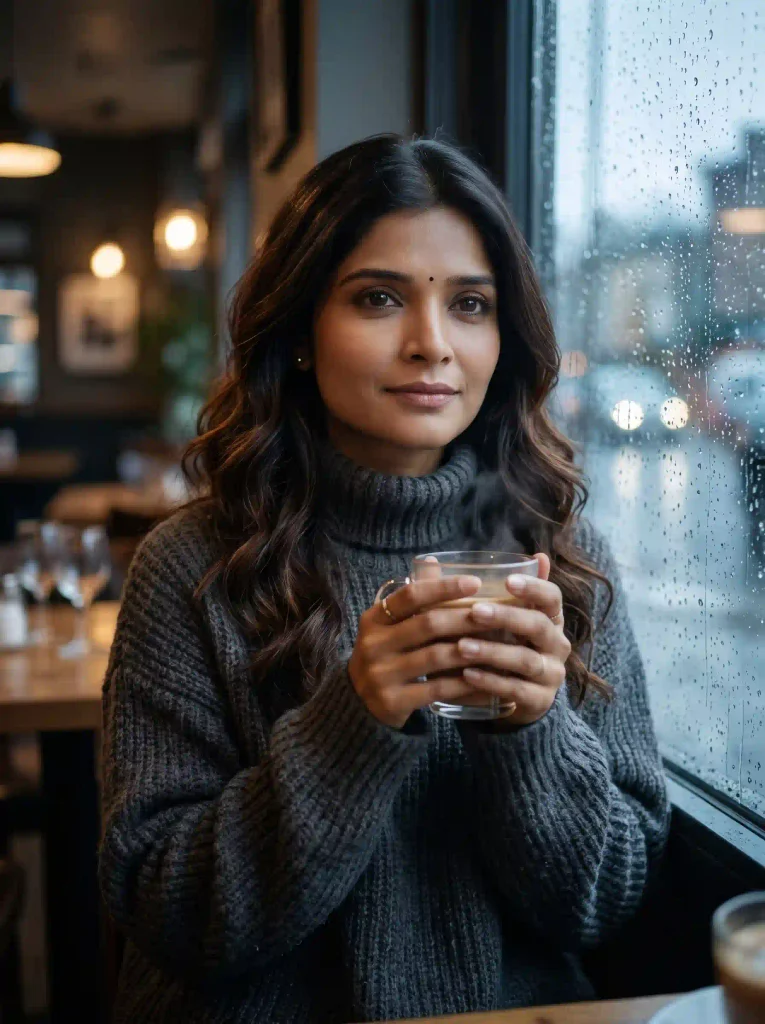
4. The Soft Moody Café Rainy-Day Shot
One of the most shared aesthetic formats on Pinterest and Instagram stories.
An ultra-realistic, moody indoor portrait of the woman from the uploaded reference image sitting inside a cozy café by a rain-streaked glass window. She is wearing an oversized charcoal turtleneck sweater, hands gently wrapped around a warm glass mug. Soft interior warm lighting contrasting with the cool, cloudy rainy ambiance outside. Natural catchlight in her eyes, serene expression, atmospheric film grain, cinematic depth of field.
Key Visual Highlights of These Prompts
- Consistent Identity Preservation: Each prompt specifies maintaining facial structure and proportions from your reference image, avoiding artificial-looking face replacements.
- Realistic Camera Specs: Commands like 85mm portrait lens, creamy shallow depth of field, and visible natural skin texture prevent the plastic, over-smoothed look typical of low-tier AI outputs.
- Balanced Compositions: The framing options (close-up portrait, seated three-quarter, and full-body candid) work seamlessly across 9:16 vertical reels, 4:5 feed posts, and 1:1 avatars.
How to Use These Prompts in Google Gemini
- Save Your Reference Selfie: Pick a clear, well-lit photo showing your face directly with neutral lighting.
- Open Google Gemini: Access the Gemini mobile app or web platform.
- Attach Your Image: Tap the + (Attach) button and upload your reference picture.
- Paste Your Chosen Prompt: Paste the text into the chat box. Add an explicit identity instruction if desired: “Preserve the exact facial features and skin tone from the uploaded photo; only update the attire and scene.”
- Generate & Download: Click Send, wait a few seconds, and save your high-resolution result.
Pro Tips for Natural AI Portraits
- Skip Heavy Filters on Input: AI models replicate whatever texture you provide. If you upload a filtered or smoothed selfie, the result may look rubbery. Use raw camera shots.
- Personalize the Color Palette: Swap clothing colors to suit your preference—for example, change “emerald green raw silk” to “deep royal blue” or “burgundy velvet.”
- Fine-Tune with Follow-Up Commands: If Gemini gives you an outfit you like but changes your hair length, simply reply: “Keep this exact scene and outfit, but restore my natural shoulder-length hair from the original photo.”
Frequently Asked Questions (FAQs)
Can I use these prompts on free versions of AI tools?
Yes. These prompts work effectively on standard versions of Google Gemini, ChatGPT, and other diffusion-based image generators.
Why does AI sometimes change facial expressions?
If the prompt specifies an emotion (such as “broad smile” or “sorrowful gaze”), the AI adjusts the facial muscles to fit the scene. If you want your exact expression, add “maintain the exact neutral expression from the reference image.”
Are these AI portraits copyright-free for social media?
Yes, images generated using your personal reference photos can be freely shared across personal social media platforms, blog posts, and digital channels.