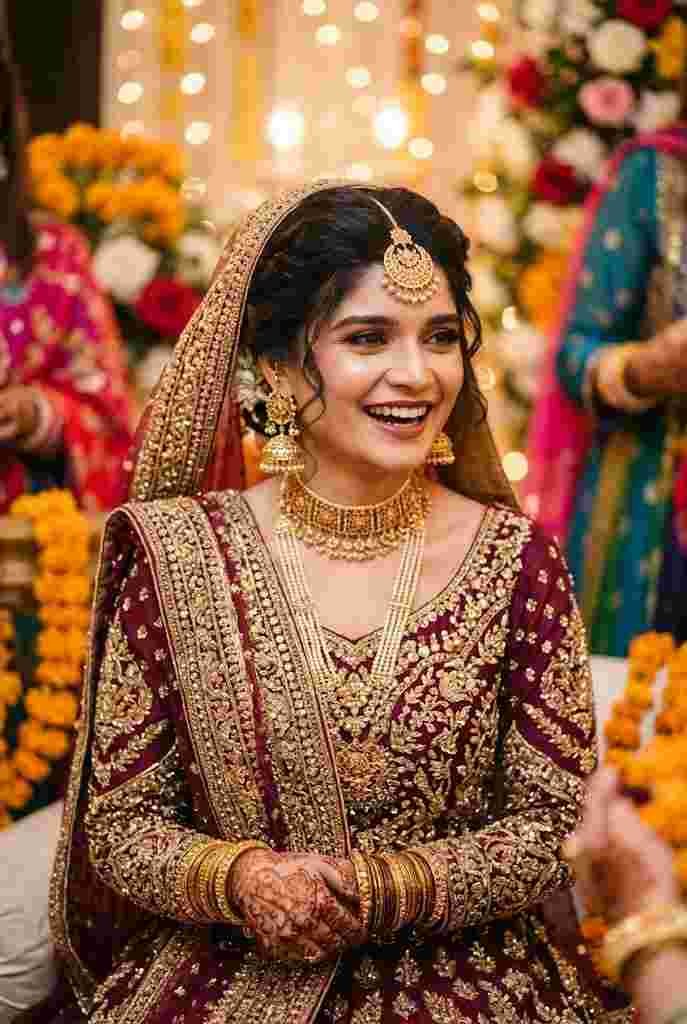
Wedding-style portrait AI photo prompts for couples in ethnic wear, intricate jewelry, and wedding-level styling usually require professional studio bookings, expensive outfits, and hours of makeup. With Google Gemini AI, you can generate an ultra-realistic, royal cinematic lifestyle portrait in seconds using your own photos as face references.
Whether you are looking to design a digital wedding save-the-date, an anniversary portrait, or high-engagement social media content, this prompt captures traditional South Asian elegance with incredible detail.
The Cinematic Traditional Couple Prompt
Copy the prompt below, upload your reference photos to Google Gemini AI, and let the tool generate your image:
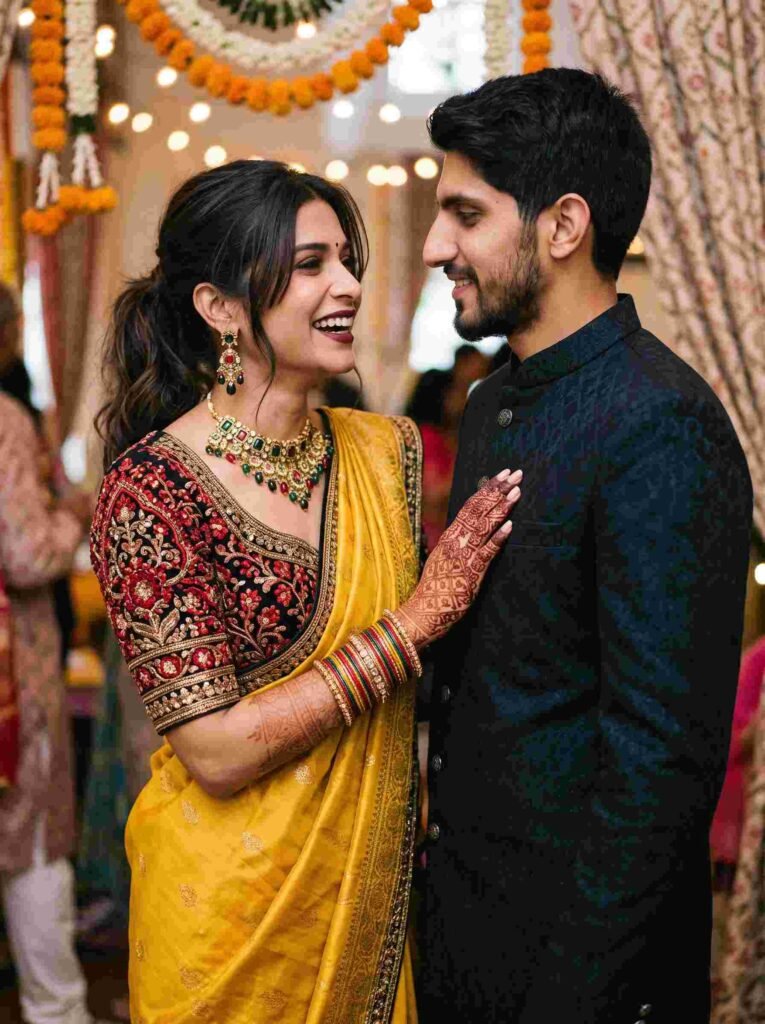
Cinematic lifestyle portrait of a couple. The women is Wearing a designer yellow heavy saree and heavy black blouse (red intricate embroidery/sequins)open hair Full-hand intricate mehndi, long black hair with messy loose bun ponytail that bangs frame her face, gold green red black stone necklace with matching jewelry, multiple colors bangles. Glamorous makeup, dark
Key Visual Highlights of This Prompt
- Intricate Ethnic Styling: The rich contrast of a bright yellow silk saree against a sequined black blouse creates a bold, royal aesthetic.
- Detailed Jewelry & Mehndi: Mentions of multi-colored stone necklaces, glass bangles, and full-hand mehndi add layered realism that prevents the image from looking flat.
- Coordinated Partner Look: The man’s structured dark sherwani balances the vibrant attire of the woman, delivering a cohesive couple dynamic.
- Cinematic Depth: An 85mm portrait focal length ensures a sharp subject focus with a warm, soft-blurred festive background.
How to Use This Prompt in Gemini AI
- Copy the Prompt: Copy the prompt text provided in the box above.
- Open Google Gemini: Access the Gemini app or website.
- Upload Reference Photos: Click the + (Attach) button and upload clear, front-facing photos of both individuals so the AI understands facial structures.
- Paste and Generate: Paste the prompt into the chat box and click send. Review the generated portrait.
Tips for Realistic Couple Generations
Use Front-Facing Headshots: Uploading reference photos with clean lighting and neutral expressions helps the AI blend both faces accurately without distorting proportions.
Customize Outfits Easily: You can modify the color palette—for instance, changing “yellow heavy saree” to “deep emerald green lehenga” or the man’s attire to an “ivory embroidered achkan”.
Fine-Tune Details: If the hands or accessories need adjustment, run a follow-up prompt requesting specific tweaks like “refine facial likeness” or “make the background bokeh softer”.
Frequently Asked Questions (FAQs)
Can I use two separate reference photos for the couple?
Yes. You can upload two distinct photos (one for each person) in the same chat prompt, and Gemini will place both individuals together in the generated scene.
Is this prompt free to generate?
Yes, basic image generation features on Google Gemini can be used directly with your standard Google account.