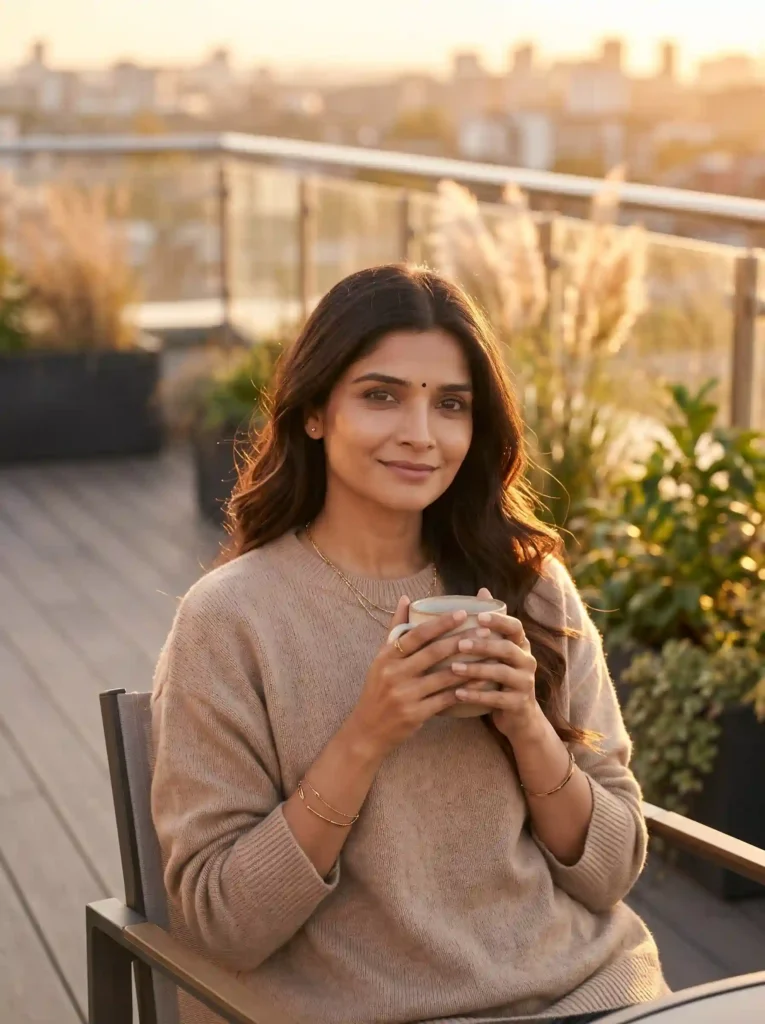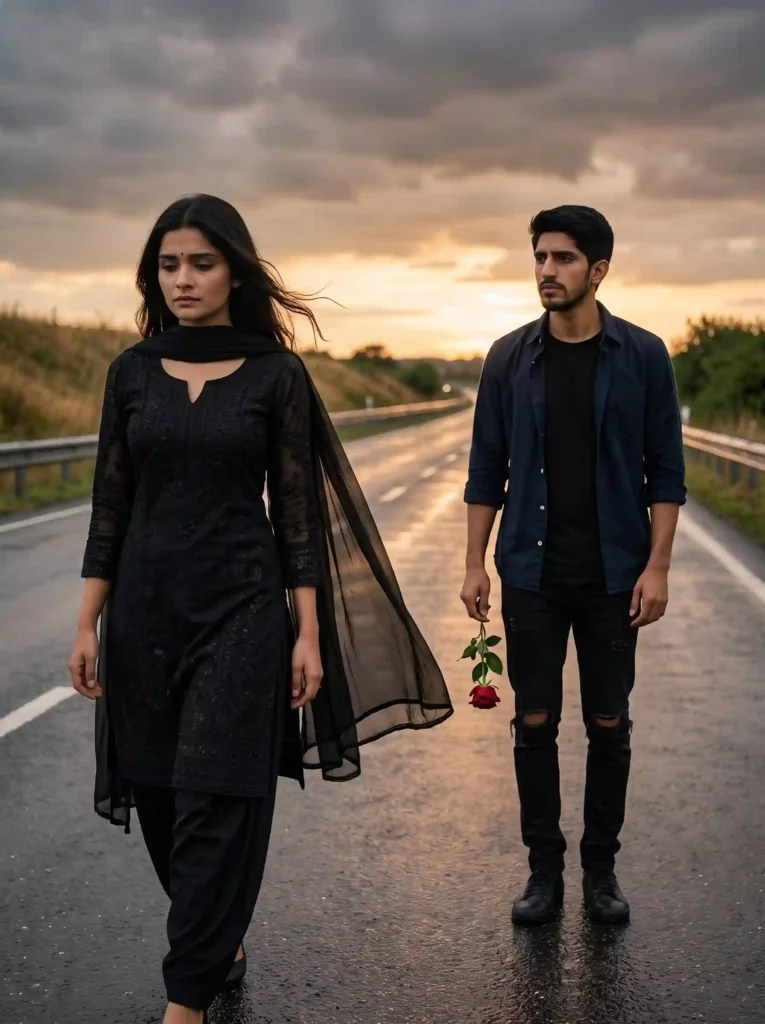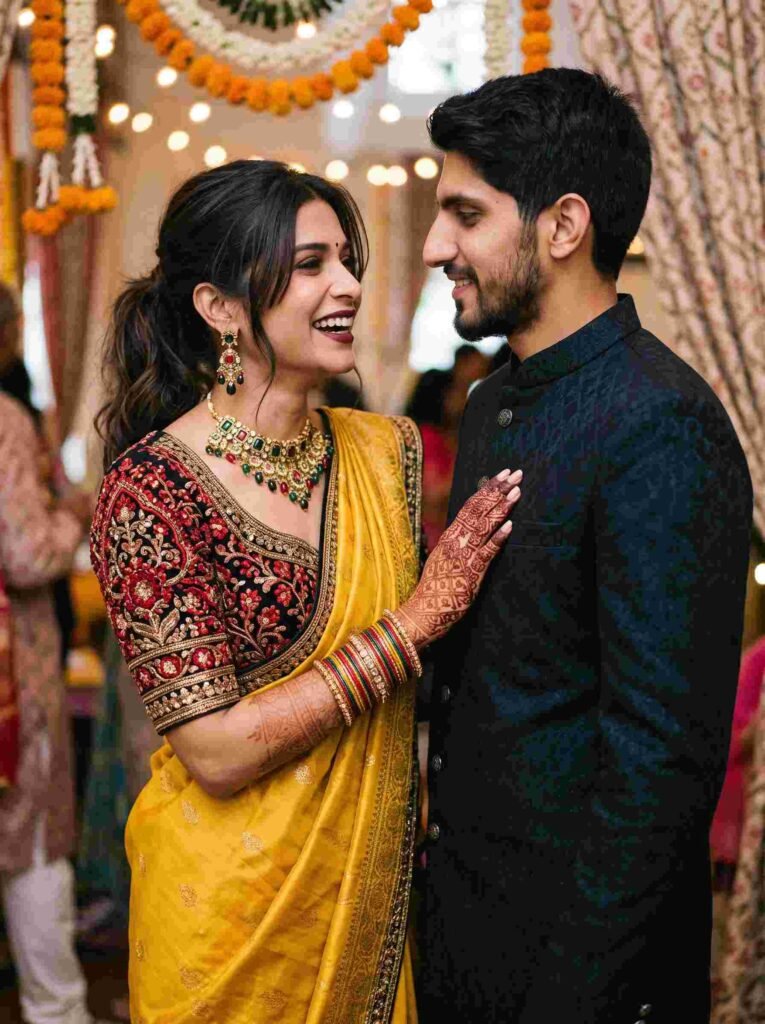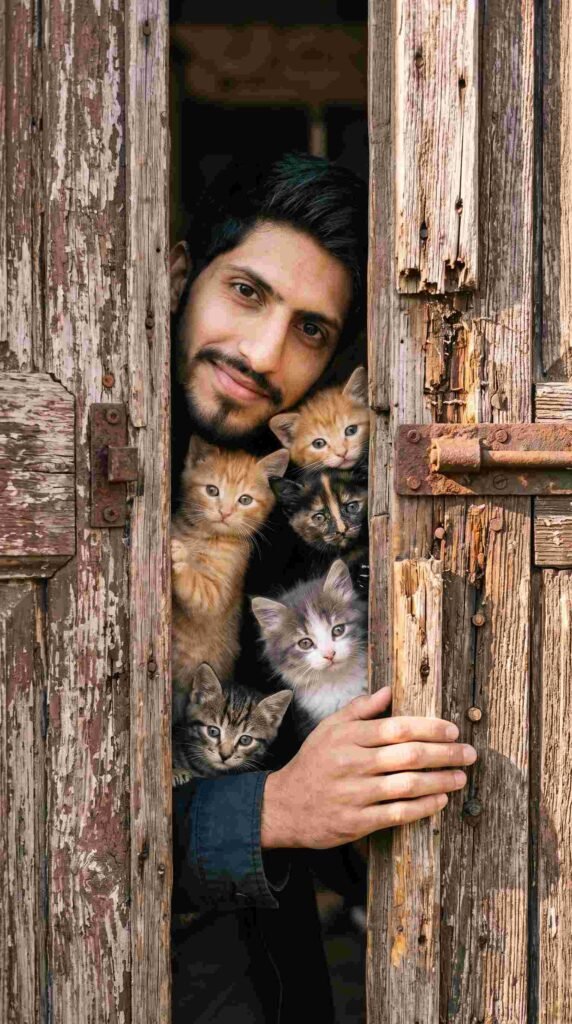
AI photography and creative prompt engineering have transformed how we create digital content. Whether you manage an aesthetic Instagram feed, curate Pinterest boards, or design website banners, you no longer need an expensive DSLR setup, studio lighting rigs, or hours of Photoshop post-processing.
Modern AI engines like Google Gemini and Bing Image Creator turn a single descriptive prompt into high-resolution, magazine-grade photography. However, getting natural skin texture and cinematic lighting instead of an over-smoothed, cartoonish result requires precise prompt architecture.
Below is an SEO-optimized breakdown of the most popular trending AI photo prompts, including copy-paste templates, practical customization rules, and step-by-step guidance.
What Makes an AI Photo Prompt “Trending”?
Social feeds favor specific visual themes that evoke mood, texture, and authenticity. The prompts generating the highest engagement share four technical characteristics:
4 Trending AI Photo Prompts to Copy and Paste
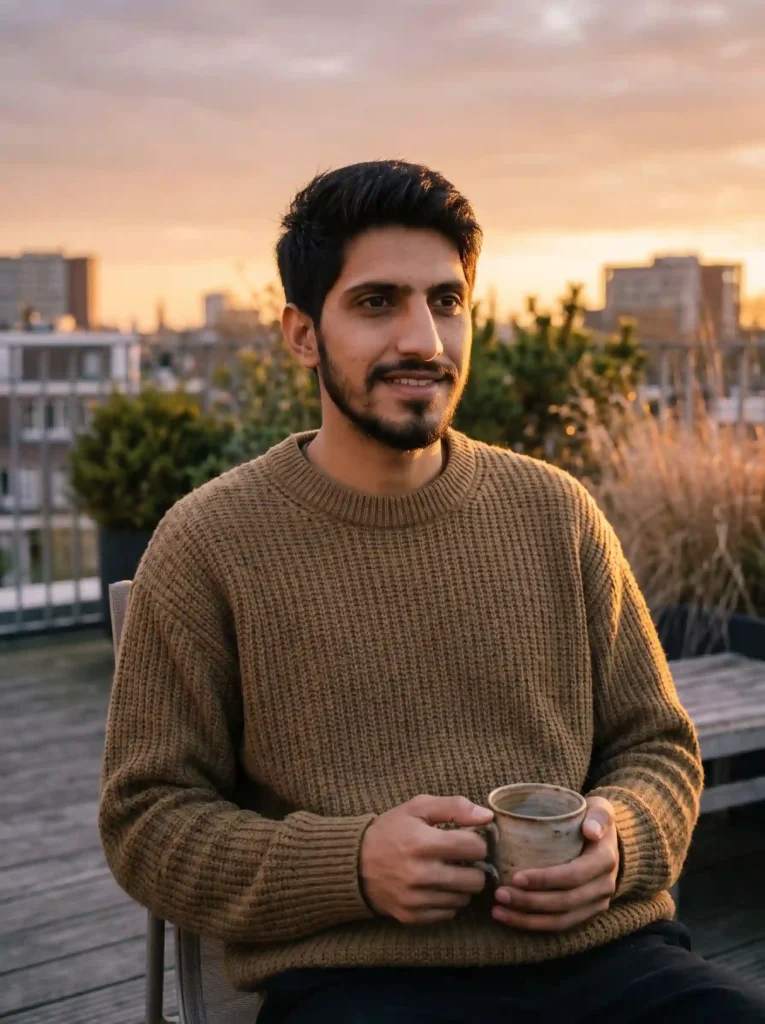
1. The Cinematic Golden-Hour Rooftop (Lifestyle Favorite)
Best for: WhatsApp DP, Instagram lifestyle portraits, personal branding.
Prompt: A realistic 4K candid film-still portrait of a young South Asian man sitting casually on a modern minimalist rooftop terrace during the peak golden hour sunset. Captured on a 35mm camera with a warm cinematic natural color grading and fine film grain. He has neat dark hair, a natural well-kept beard, and a gentle, natural smile, looking slightly off-camera. He is wearing an oversized earth-tone textured chunky-knit sweater, comfortably holding a handmade ceramic coffee mug with both hands. The low-angled warm amber sunset light catches the side of his face, creating a soft golden rim lighting on his hair and the knit of his sweater. The background features a soft-blurred (bokeh) urban skyline, rooftop greenery, and warm evening sky. Natural skin texture with visible pores, relaxed unposed posture, organic outdoor shadows, authentic hand-held shot.
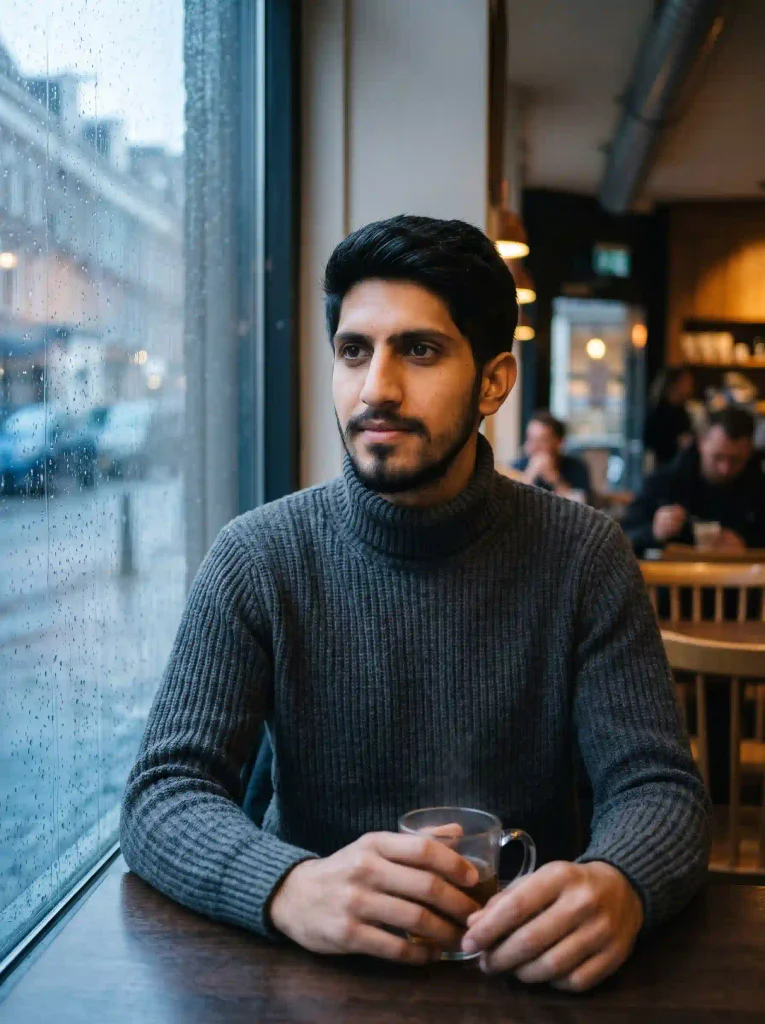
2. The Moody Rainy-Day Café Window
Best for: Pinterest moodboards, contemplative social posts, story covers.
Prompt: An ultra-realistic cinematic portrait of a young South Asian man seated at a wooden table inside a dimly lit, cozy urban café next to a large rain-streaked window pane. Captured on an 85mm lens at f/1.4 with a soft natural film grain, creating a deep, moody atmosphere. He has neat dark hair and a natural beard, looking thoughtfully past the camera with a subtle, reflective expression. He wears a heavy, textured charcoal-gray ribbed turtleneck sweater, his hands loosely resting around a warm glass mug with faint visible steam. Natural warm interior lamp lighting catches the side of his face, creating organic catchlights in his eyes, contrasting beautifully against the cool, blue-gray daylight and rain-soaked street visible through the window covered in natural condensation and droplets. Film-grade color depth, intimate cinematic framing, soft-blurred background of the indoor café.
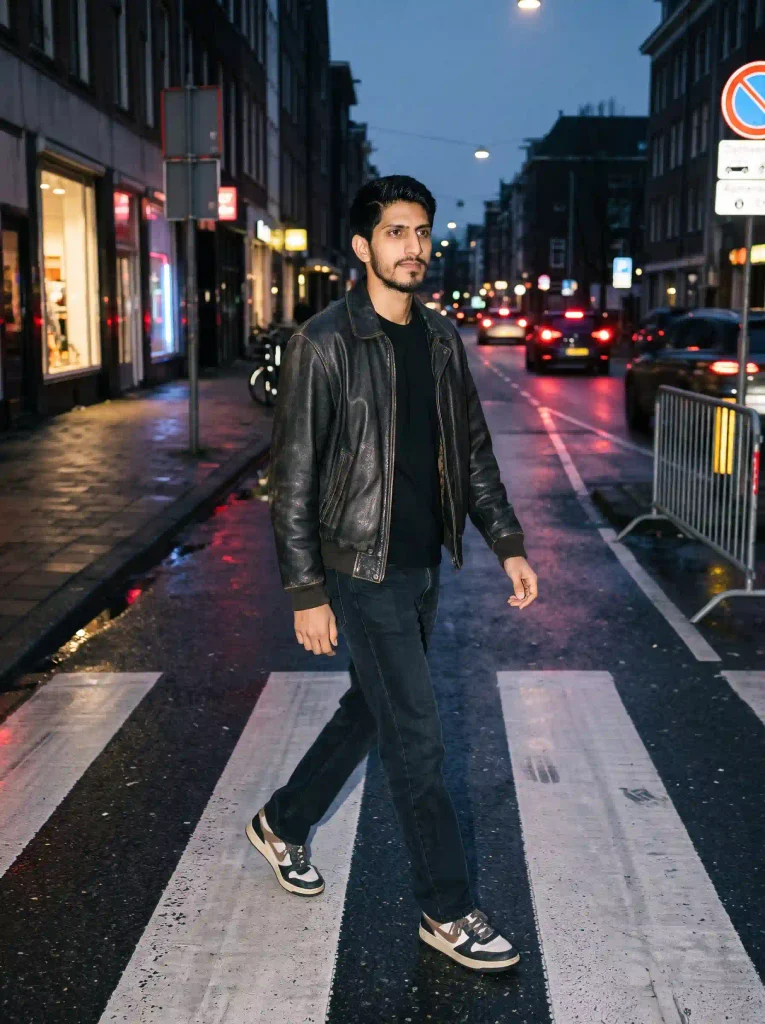
3. The 90s Vintage Flash Street Style (Y2K Trend)
Best for: Fashion influencers, urban street photography, high-energy carousels.
Prompt: A raw, candid, full-body street-style photograph of a young South Asian man walking mid-stride across a downtown pedestrian crossing at dusk, captured with a direct, high-contrast on-camera flash. He has neat dark hair and a beard, looking naturally toward the side with an authentic, unposed “caught in the moment” expression. He is wearing a cropped vintage dark leather bomber jacket, worn open over a casual black t-shirt, paired with straight-leg dark denim trousers and retro sneakers. The sharp flash directly illuminates him, casting natural, hard shadows behind, while the background falls off into deep twilight. The wet asphalt and crosswalk below reflect passing car headlights, red taillights, and street level neon signs. Visible camera film grain, subtle motion blur in distant background traffic, raw Y2K disposable camera aesthetic, casual low-angle capture.
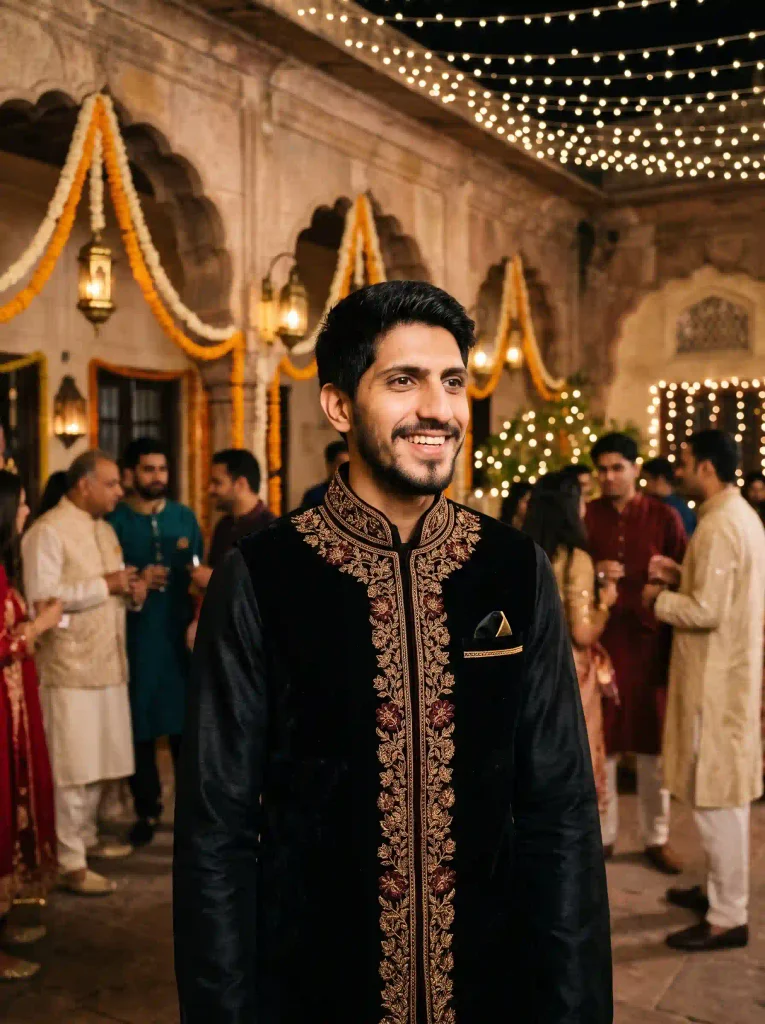
4. The Royal Traditional Heritage Look
Best for: Cultural festivals, wedding moodboards, elegant ethnic showcases.
Prompt: A candid, high-end candid-style editorial portrait of a young South Asian man at a festive evening celebration in an outdoor heritage courtyard, captured on a 50mm f/1.8 lens with rich, cinematic night lighting and organic film grain. He has neat dark hair and a groomed beard, smiling warmly and natural while engaging in conversation. He is dressed in an exquisite black velvet formal waistcoat with intricate hand-crafted gold and dark red zari floral embroidery along the high band collar and front, worn over a black silk kurta. He has a gold-trimmed pocket square. The background is bustling with out-of-focus guests in traditional attire, decorated with draping marigold and jasmine garlands on historic stone arches, softly lit by thousands of twinkling warm string lights and vintage brass lanterns. Balanced natural shadows, metallic glints from embroidery, authentic skin tones, handheld night-time celebration atmosphere.
Step-by-Step Guide: How to Generate Your Photos in Google Gemini
- Prepare Your Reference Headshot: Take or select a clear, front-facing selfie in natural daylight. Avoid heavy filters, extreme angles, or dark shadows so the model clearly parses your facial geometry.
- Open the AI Workspace: Navigate to Google Gemini on desktop or open the mobile application.
- Upload Your Image: Click the + (Attach/Add Image) button and select your photo.
- Paste and Customize Your Prompt: Copy one of the templates above into the message box. If you want to keep your face unchanged, precede the prompt with: “Using the face from this uploaded photo as an exact reference, generate…”
- Review and Iterate: Hit Send. If a detail needs adjusting, reply with a targeted refinement like “keep everything the same, but change the jacket to dark navy.”
Common AI Prompt Mistakes and Quick Fixes
- Vague Lighting Descriptions: Writing “good lighting” often causes flat, overexposed skin. Specify the source, such as “soft window light from the left” or “low-key directional warm spotlight.”
- Overcrowded Prompts: Listing too many conflicting details (e.g., combining vintage film grain, high-gloss 3D render, and HDR neon in one prompt) confuses the engine. Pick a single cohesive aesthetic.
- Skipping Subject Identity Commands: When editing a personal photo, always instruct the tool to “maintain realistic facial likeness and skin tone” to avoid the AI substituting a generic face.
Frequently Asked Questions (FAQs)
Are these AI photo editing prompts free to use?
Yes. Standard image generation and multimodal photo styling in tools like Google Gemini and Bing Image Creator are accessible on free tiers with a basic user account.
How do I stop AI portraits from looking like plastic cartoons?
Incorporate camera-specific terminology such as “natural skin texture with visible pores,” “35mm film grain,” and “unfiltered photography.” Explicitly avoid words like “smooth,” “flawless,” or “airbrushed.”
Can I modify the outfits and locations in these prompts?
Yes. Prompts work modularly. You can swap out variables—for example, changing “an earth-tone knit sweater” to “a sharp black blazer” or “a rooftop terrace” to “an autumn park bench”—without disrupting overall photo quality.